

Whether you already advertise on LinkedIn or have not had the chance yet, this one is worth reading.
What is an organic lead gen form?
In the world of digital marketing, organic lead generation is an important strategy. Organic marketing is the process of attracting potential customers through unpaid channels, such as social media, search engine optimization, content marketing and blogs.
LinkedIn is one of the most popular social media platforms for connecting with potential customers, and businesses can now take advantage of LinkedIn’s organic lead generation forms.
LinkedIn organic lead gen forms are a type of online form that can be embedded in a LinkedIn profile page or post.
Why does it matter?
An organic lead form lets us collect lead details from a focused, relevant audience that visited our business page, and gives potential customers a simple way to reach out to us.
The forms are designed to collect details such as name, email address and other contact information.
How to set up an organic lead gen form on your LinkedIn business page
Step 1: Go to your business page in the page admin view and click the edit page button.
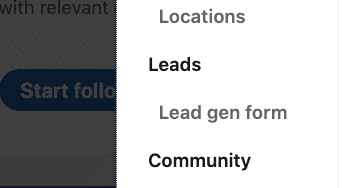
Step 2: In the Leads column, click “Lead gen form”.
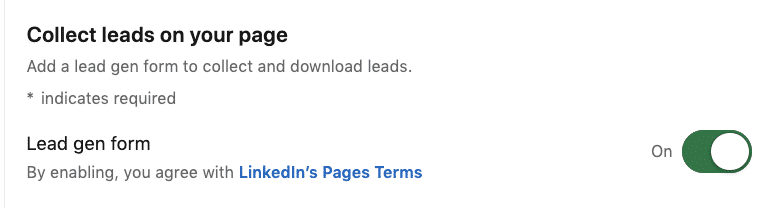
Step 3: Click the toggle to turn on the lead gen form option.
Step 4: Fill in the details:
- Choose a call-to-action button.
- Add your website’s privacy policy (with a link).
- Enter a headline and a short paragraph for your form.
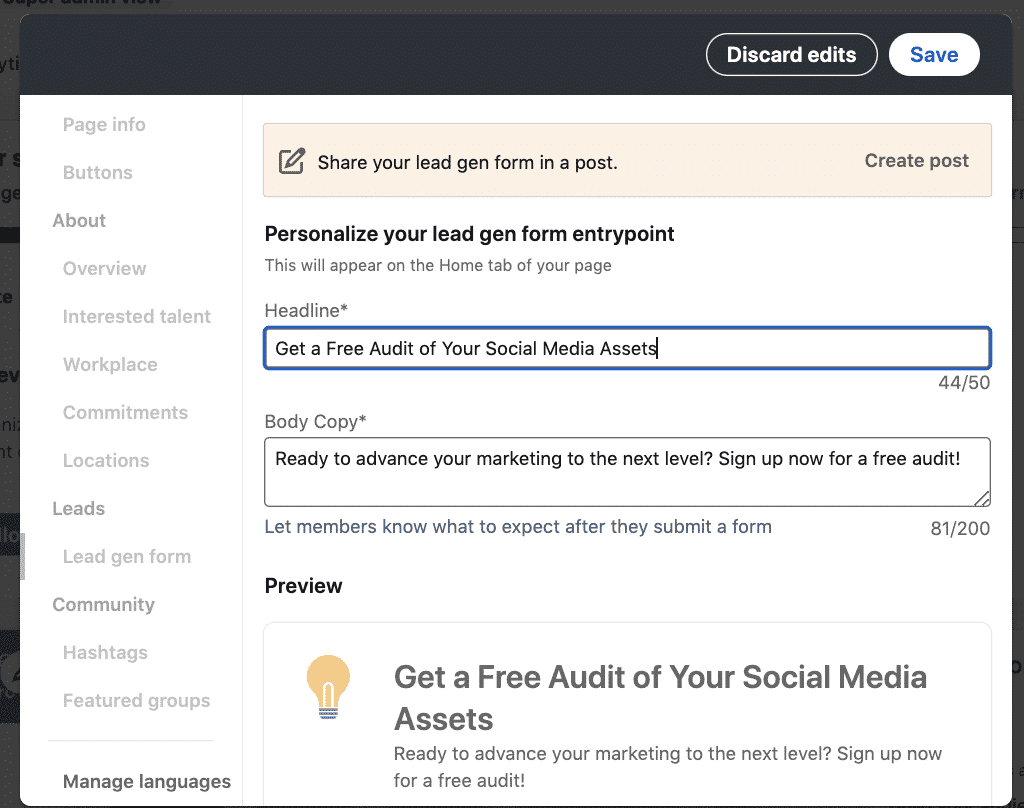
Step 5: Click “Save”. That’s it!
Congratulations, you now have an organic lead gen form on your business page, available to every visitor.

Once your form is live, it is important to analyze the data and the submissions that come in.
Need help with your marketing?
We are here for you. Talk to our team.