


What’s the story with Google Analytics 4?
In case you don’t follow everything happening in digital, Google retired the familiar version of Google Analytics, Universal Analytics (UA), and replaced it with Google Analytics 4.
What is GA4?
Google Analytics 4 is a new and exciting development in the world of digital data. It is designed to provide bigger, more comprehensive insights into how users behave across your digital assets, and more accurate reporting than ever before.
How is GA4 different from regular Google Analytics?
GA4 includes new machine learning capabilities, such as automated insights and detection of unusual behavior on your website and apps.
- User interface: GA4 has a new user interface that is more efficient and modern than UA. It is meant to be more intuitive and easier to use, with a focus on actionable insights that are easy to understand.
- Machine learning: GA4 incorporates machine learning technology that can provide more accurate and relevant insights into user behavior. This includes predictive metrics, such as churn probability and purchase probability, which can help businesses identify users who are at risk of leaving or more likely to convert.
- Cross-device tracking: GA4 offers improved cross-device tracking, allowing businesses to follow user behavior across multiple devices and platforms, including mobile apps and web browsers.
- Privacy: GA4 is designed to be more privacy-friendly than the previous Analytics, with a greater emphasis on user consent and data protection. It uses an updated measurement protocol that lets businesses collect data without relying on cookies, which can help protect user privacy.
Overall, GA4 offers a stronger and more flexible analytics platform than UA, with improved tracking, more accurate insights and better data privacy protections. However, some adjustments to your tracking implementation and reporting may be needed to take full advantage of its features.
GA4 gives the power back to marketers
The new analytics lets you customize your dashboard and see the reports that matter most to you.
GA4 even works well with Looker Studio (formerly Data Studio), which lets you create custom reports from the data collected in GA4.
How to set up GA4 on your site or app
The screens below were captured when GA4 launched, so yours may look slightly different today.
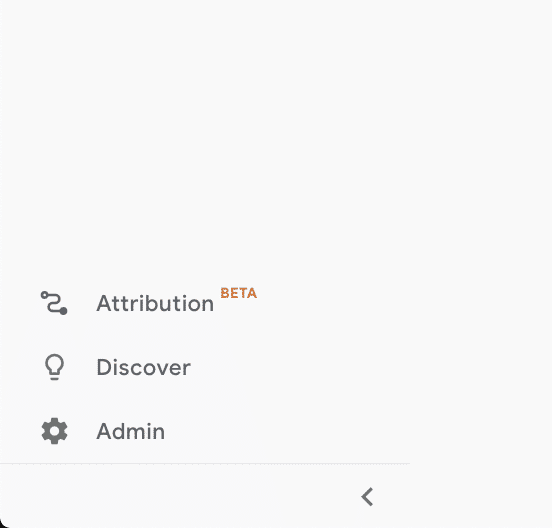
Step 1: Go to the Analytics interface and click “Admin”.
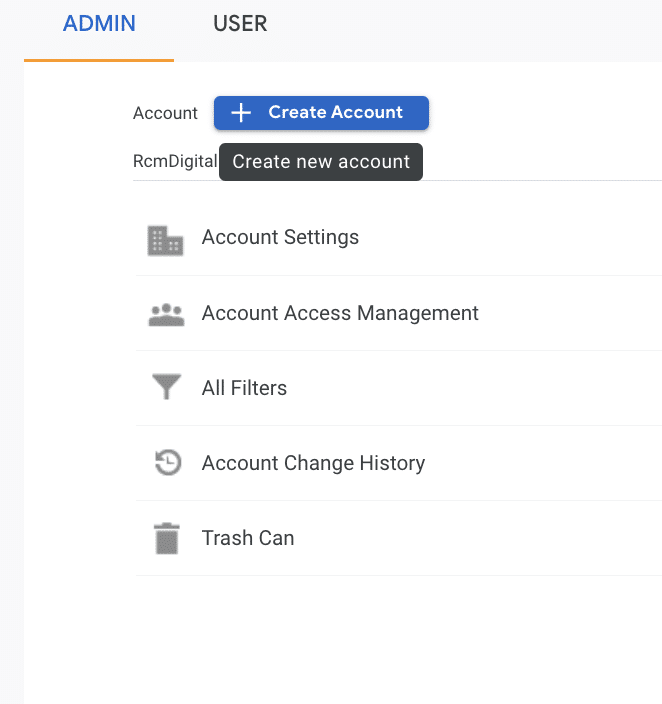
Step 2: Click the blue “+ Create Account” button.
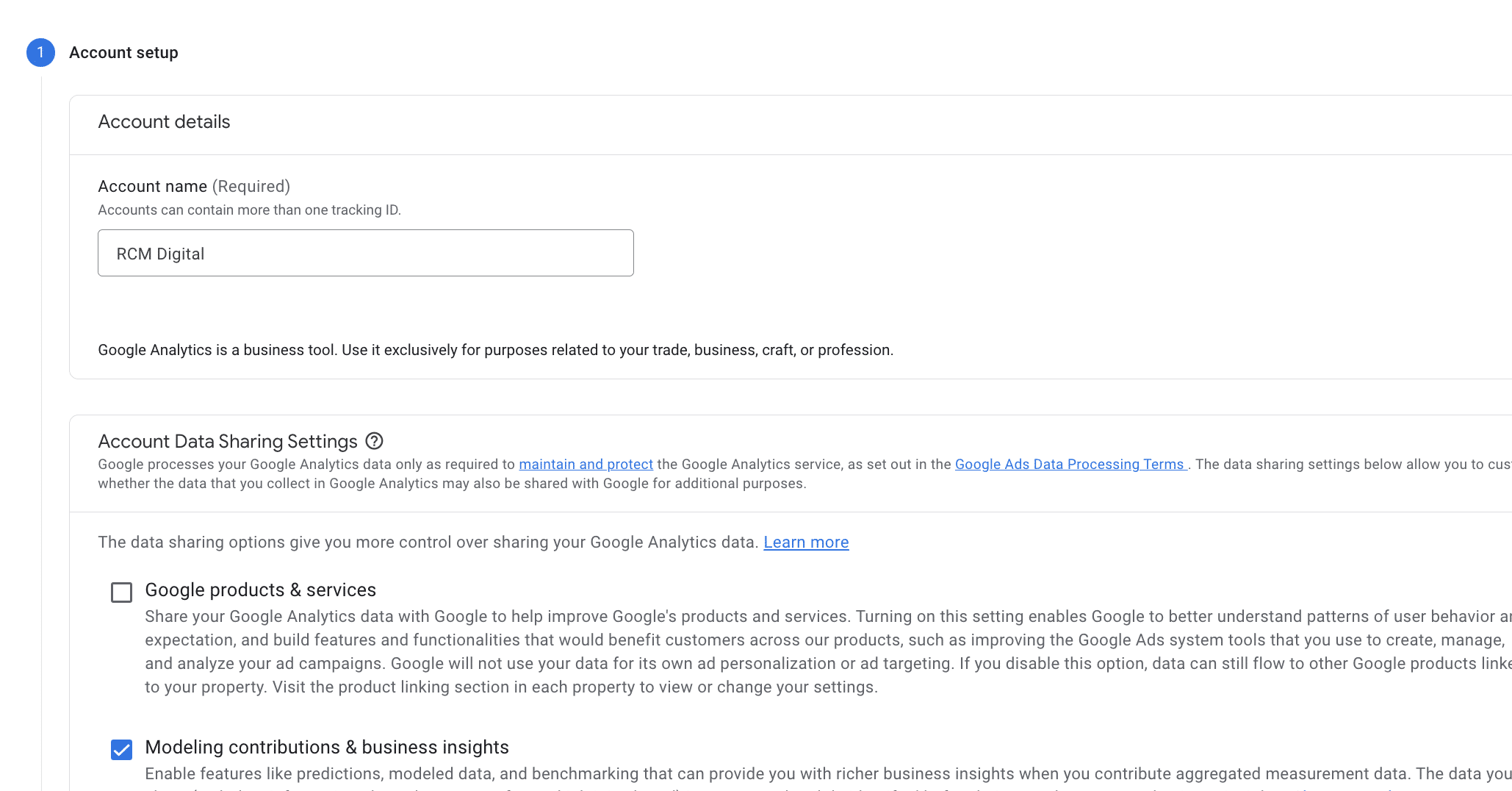
Step 3: Name the account.
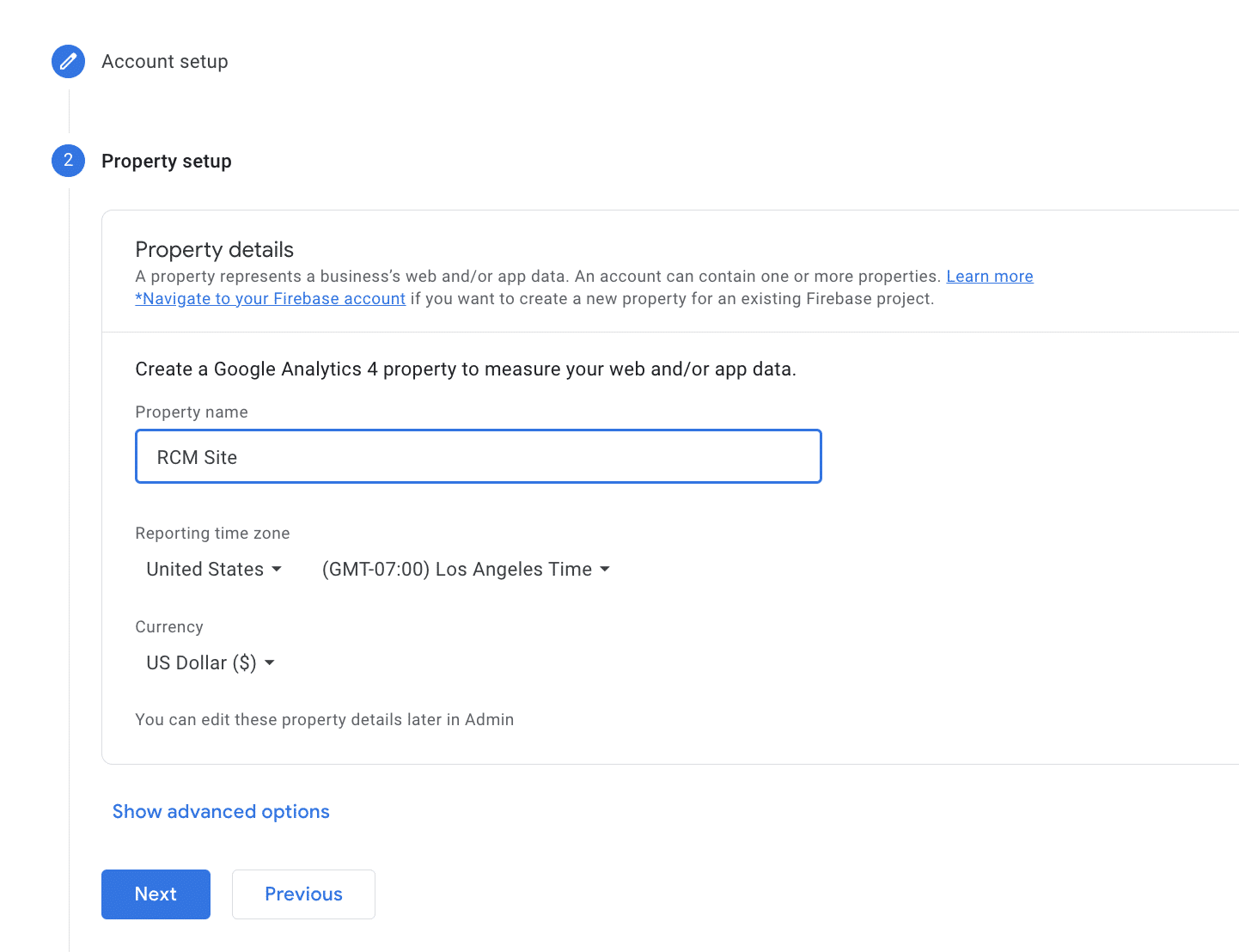
Step 4: Name the property, and set the country and currency.
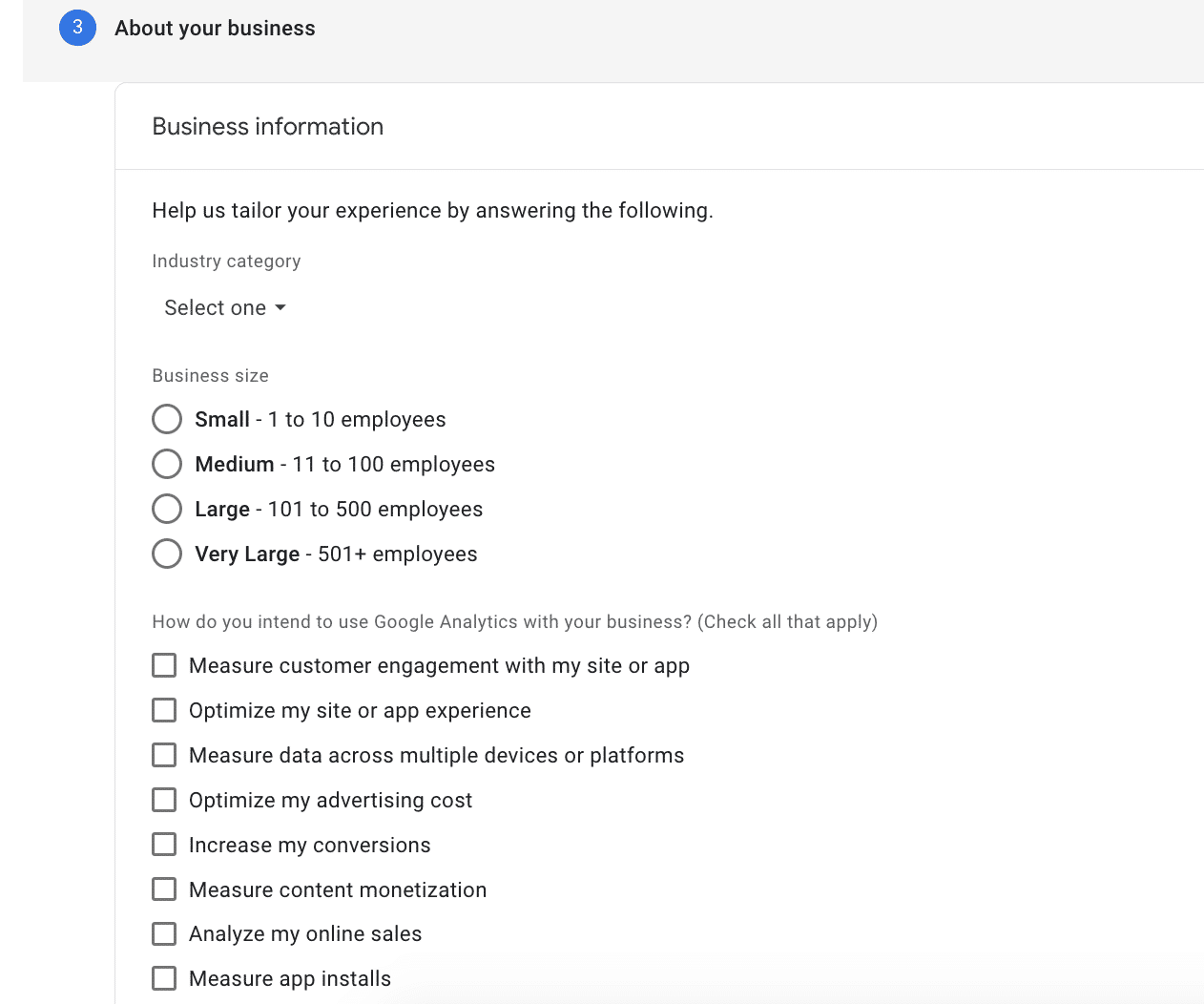
Step 5: Enter information about your company.
Step 6: Click “Create”.

Congratulations! You have successfully created your new Google Analytics 4 property.
Need help with your marketing?
We are here for you. Sign up now for a free consultation call. Talk to our team.